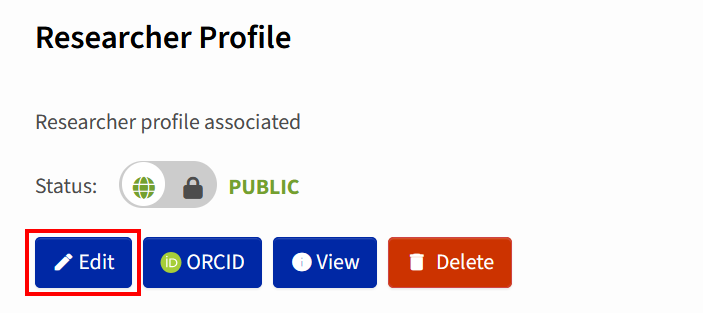
Researcher Profile
The researcher profile is a dedicated page that represents an individual researcher within the repository, gathering their identity information and scholarly outputs in one place. Rather than scattering a person's work across search results, a profile brings together their name, affiliations, contact details, ORCID iD, biography, and a list of the publications or other items they've authored or contributed to within the repository. The researcher profile is automatically updated as new items linked to them are added to the repository.
If your researcher profile is set to "private", your profile will not be visible to anyone, and you will not be able to display all your publications in ZORA at once. By default, only your name and, if applicable, your ORCID iDare visible.
If your profile is set to “public” your personal information (e.g. address, email address or date of birth) will not be visible.
How to create a researcher profile
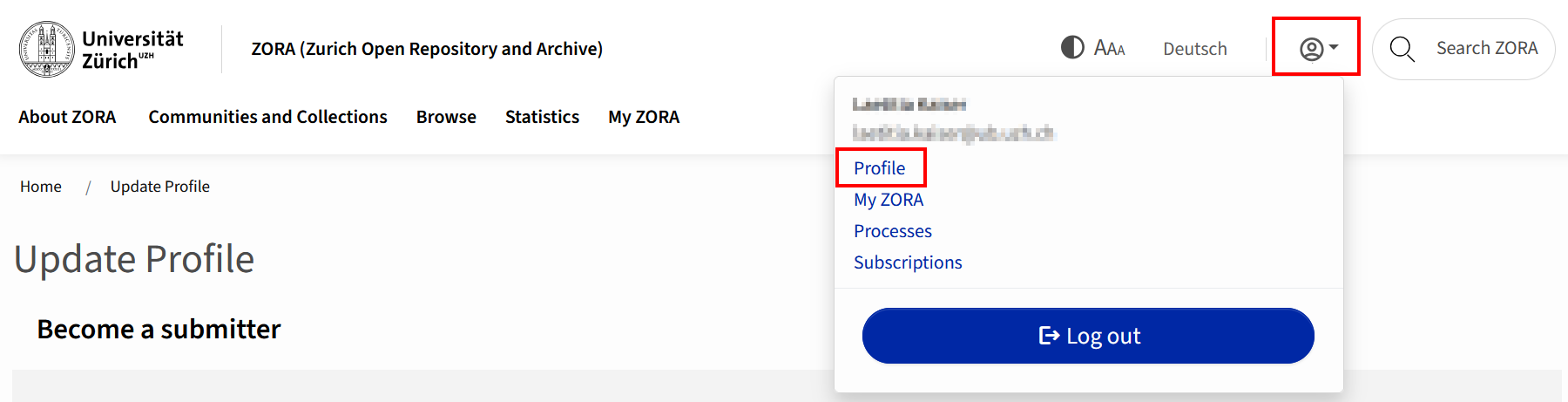
Log in to ZORA and access your «Profile»:
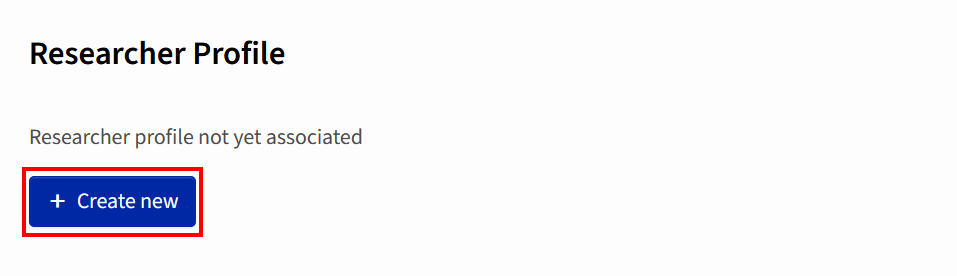
Click on “Create new”:
- Once you have created your profile, you can edit it: