Search Journals and Publishers
Table of contents
Introduction
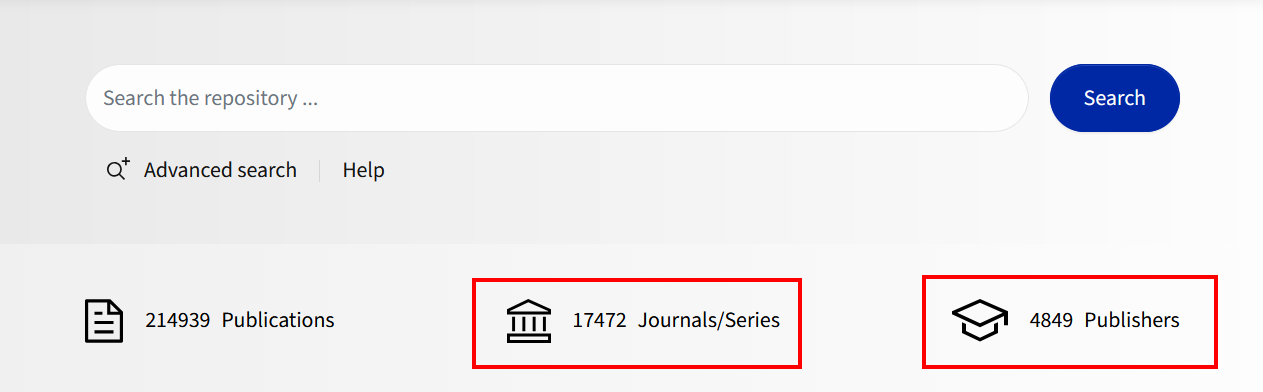
To search for journals/series or publishers, click the "Journals/Series" or "Publishers" icon below the search bar. This will take you to the corresponding search page.
Enter search terms
Enter one or more search terms in the search field. Example: "Advances in Neurodevelopmental Disorders". When multiple terms are entered, the Boolean AND operator is used automatically. Example: "Magnetic Resonance".
You can return to the standard search at any time by clicking the magnifying glass icon in the top right.
The results and status bar, search operators, phrase search, and wildcards work the same way here as they do in simple search.
Filters
Filters help refine the search results by selecting specific metadata.
The following filters are available:
- For journals/series: Contains files, Item type, Publisher, Contract designation, Article version, OA permissions, Contract, Peer-reviewed, DOAJ, Publication type.
- For publishers: Contains files, Item type, Article version, OA permissions.
Expand a filter to view and select its values. Each selected filter value triggers a new search using only that filter criterion. The expected number of results is displayed next to the respective filter criterion.
Fields
Individual fields can be searched directly. This allows you to formulate very precise and powerful queries. The general syntax is {field name}:{value}. If the value consists of multiple words, enclose it in double quotation marks (word order matters) or in parentheses (word order does not matter).
Example: jdb.journal.title:(Social Science) finds journals whose title contains the words Social and Science anywhere, regardless of order, including "Sciences sociales et santé".
Example: jdb.journal.title:"Social Science" finds publications with the words "Social Science" in the title, but in exactly this order (adjacent to each other).
Example: jdb.journal.issn-p:(1369-7072) searches using the print ISSN 1369-7072 and finds the journal "Sports Engineering".
The following table lists the most important field names. You can find the name and description of all fields in the metadata profile.
| Feldbezeichnung | Bedeutung | Beispiele |
|---|---|---|
| jdb.apc.fee | Article Processing Charge | jdb.apc.fee:* |
| jdb.journal.isoabbreviation | ISO abbreviation of the journal | jdb.journal.isoabbreviation:"J. Am. Chem. Soc." |
| jdb.journal.issn-e | ISSN-E (electronic) | jdb.journal.issn-e:(1520-5126) Tipp: Wenn Sie einfach mit ISSN suchen wollen (egal ob Print, Electronic oder Link-ISSN), geben Sie den Wert ohne Feldbezeichnung ein: 1520-5126 |
| jdb.journal.issn-l | ISSN-L (link) | jdb.journal.issn-l:(0002-7863) Tipp: Wenn Sie einfach mit ISSN suchen wollen (egal ob Print, Electronic oder Link-ISSN), geben Sie den Wert ohne Feldbezeichnung ein: 0002-7863 |
| jdb.journal.issn-p | ISSN-P (print) | jdb.journal.issn-p:(0002-7863) Tipp: Wenn Sie einfach mit ISSN suchen wollen (egal ob Print-, Electronic- oder Link-ISSN), geben Sie den Wert ohne Feldbezeichnung ein: 0002-7863 |
| jdb.journal.publishername | Publisher associated with the journal/series | jdb.journal.publishername:Elsevier |
| jdb.journal.title | Title of the journal/series | jdb.journal.title:"Magnetic Resonance" |
| jdb.journal.titlevariant | Title variants of the journal/series | jdb.journal.titlevariant:(British Medical Journal medicine) |
| jdb.publisher.name | Name of the publisher | jdb.publisher.name:Wiley |